🔄
Connected reminders
Use Milo across your phone and desktop.
Take your MiloCharacter reminders with you. Pair your Android phone with your paid Windows or Ubuntu desktop license using a one-time QR code.
Official MiloCharacter website · Android app (.apk)
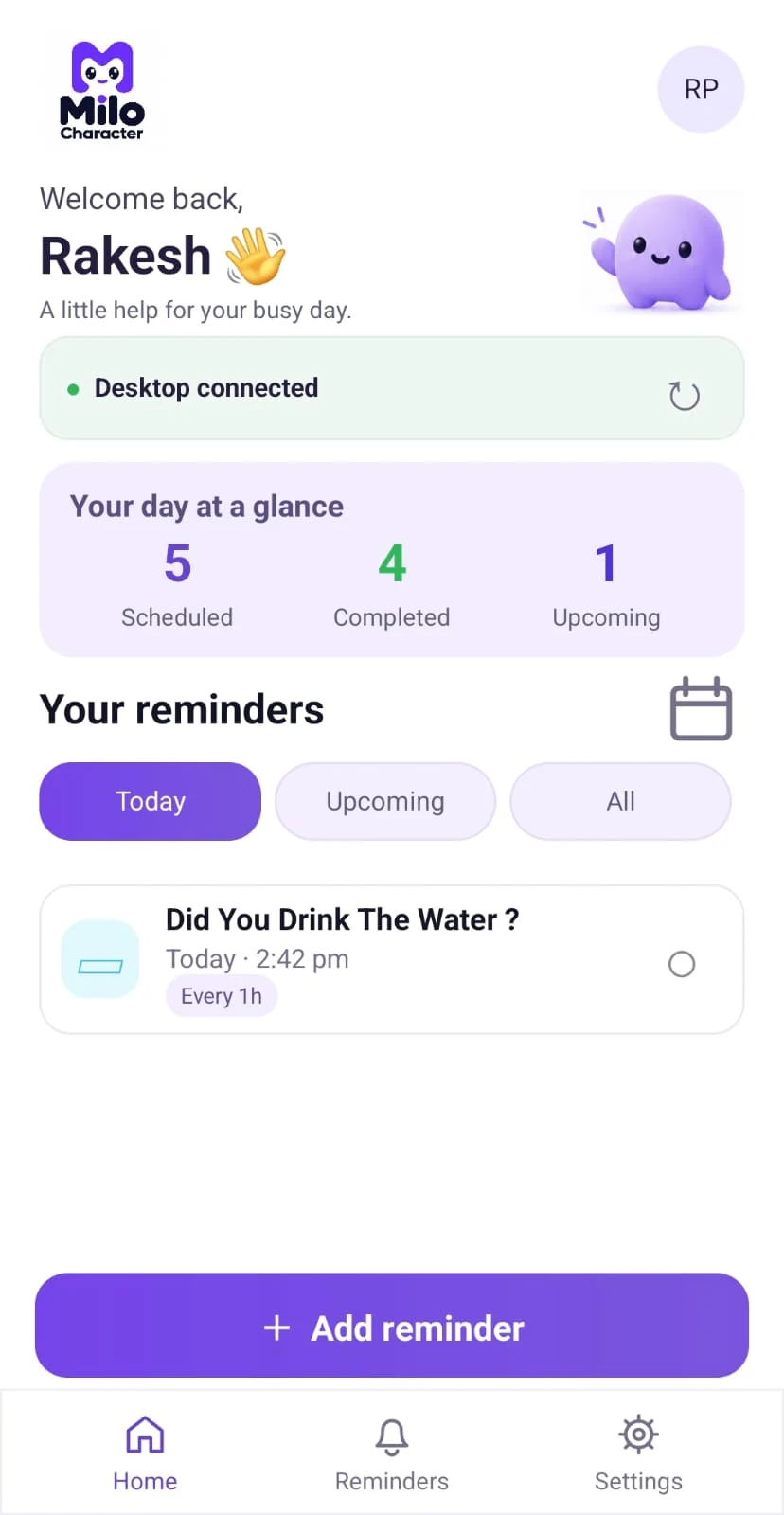
Actual MiloCharacter mobile app screen
Keep track of the little things while you focus on your day.
Use Milo across your phone and desktop.
Access your reminders away from your computer.
Connect securely using the desktop QR code.
Phone pairing requires the paid desktop license.
Actual MiloCharacter mobile app screen
Pair your Android phone with the paid desktop application using a one-time QR code, then manage reminders across your devices.
01 · Set a reminder
Choose what you want to remember.
02 · Pick your time
Fit reminders around your routine.
03 · Milo reminds you
See a friendly alert when it matters.
Follow these simple steps to start using MiloCharacter on Android.
Download the Android APK from the official MiloCharacter website.
Install the app on your Android phone using your device’s installation prompts.
On your paid desktop MiloCharacter app, open My Purchase → Connect Phone.
A one-time QR code appears on the desktop.
Open the mobile app, tap Scan QR Code and scan it to pair your devices.
Android app (.apk) · Download from milocharacter.com
Paid lifetime desktop license required to connect your phone.
If your browser does not start downloading, confirm the installer file is uploaded to the website's /download/ folder.
The Android APK is offered directly from the MiloCharacter website, not through an app-store button.
No. A paid MiloCharacter lifetime license is required to connect your phone.
Open My Purchase → Connect Phone on the paid desktop app, then scan the displayed QR code using the mobile app.
This download page currently links to an Android APK. An iPhone download is not listed here.